Real estate
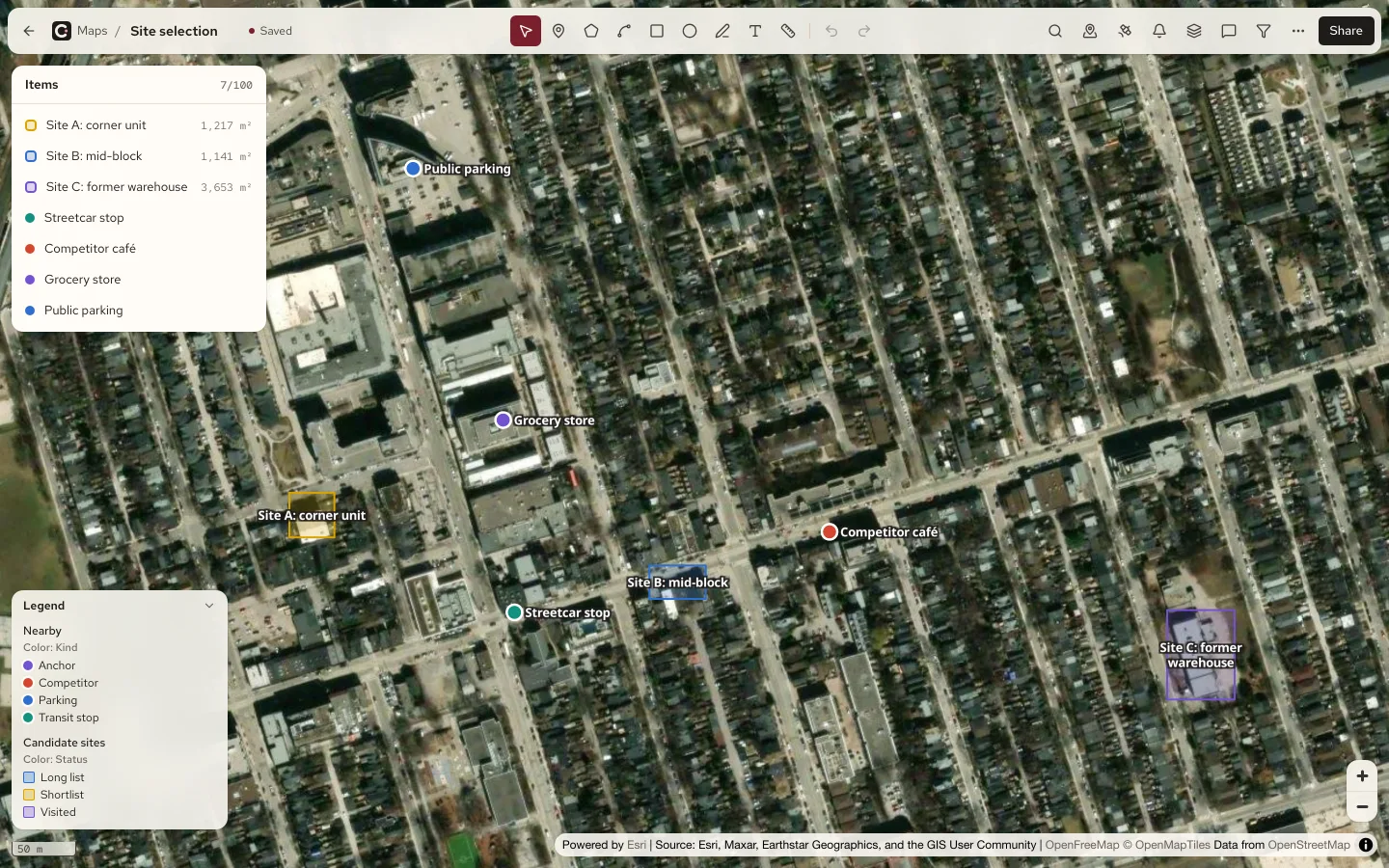
Site selection template
Compare candidate sites by status, rent and size, with transit and competitors nearby.
See the template
Transportation & planning
Comparing two or three alignments for a bike lane, bus route or trail? Draw each option as its own line with a status and an estimated cost, mark the schools, stops and community spaces it should serve, and outline the constraints along the way. The whole team comments on one map instead of a deck of screenshots.
Free plan, no card needed. You get your own copy of this map, ready to edit.
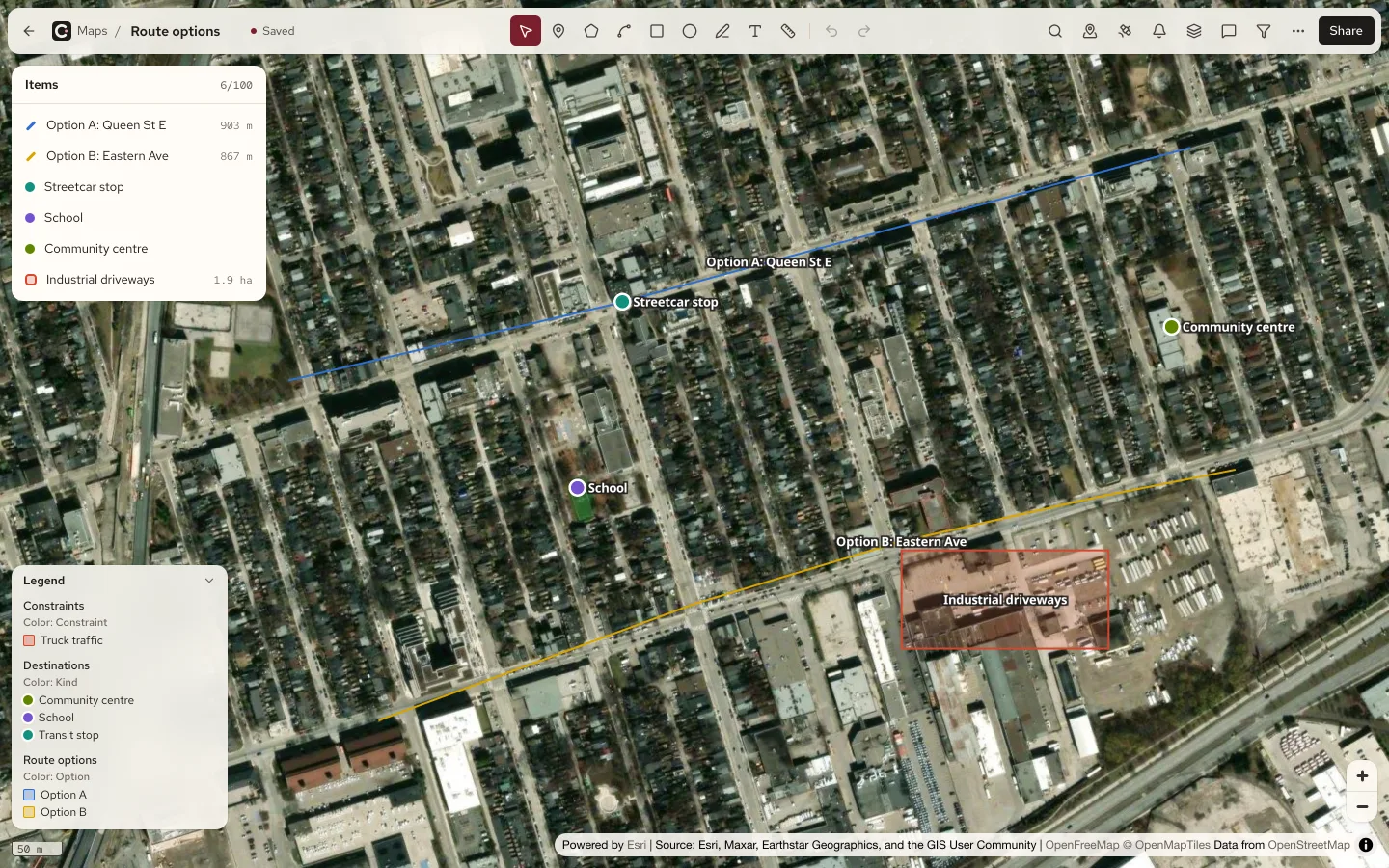
A real Cartana map made from this template. Example data. Satellite imagery by Esri.
3 layers with their own fields, plus a few example items to show how it fits together. Every item also has a name and a note. Add, rename or remove fields any time.
Lines, colored by option
Pins, colored by kind
Areas, colored by constraint
You get your own map with two example routes in Toronto and the three layers.
Pan to your study area and trace each alternative as a line. Lengths are measured for you.
Give each route its option, status and estimated cost. The legend shows which line is which.
Mark destinations the route should serve and outline constraints such as rail crossings or heavy truck traffic.
Invite colleagues or the client to comment on the map, then mark the preferred option.
Yes. Viewers and commenters are free on every plan. Only people who edit need a Pro seat.
Yes. Import KML, GPX, GeoJSON or a shapefile, then put the lines on the Route options layer.
Yes. The Free plan has 3 maps with 100 items each, and you can invite 2 editors. People who only view the map are free on every plan.
Real estate
Compare candidate sites by status, rent and size, with transit and competitors nearby.
See the template
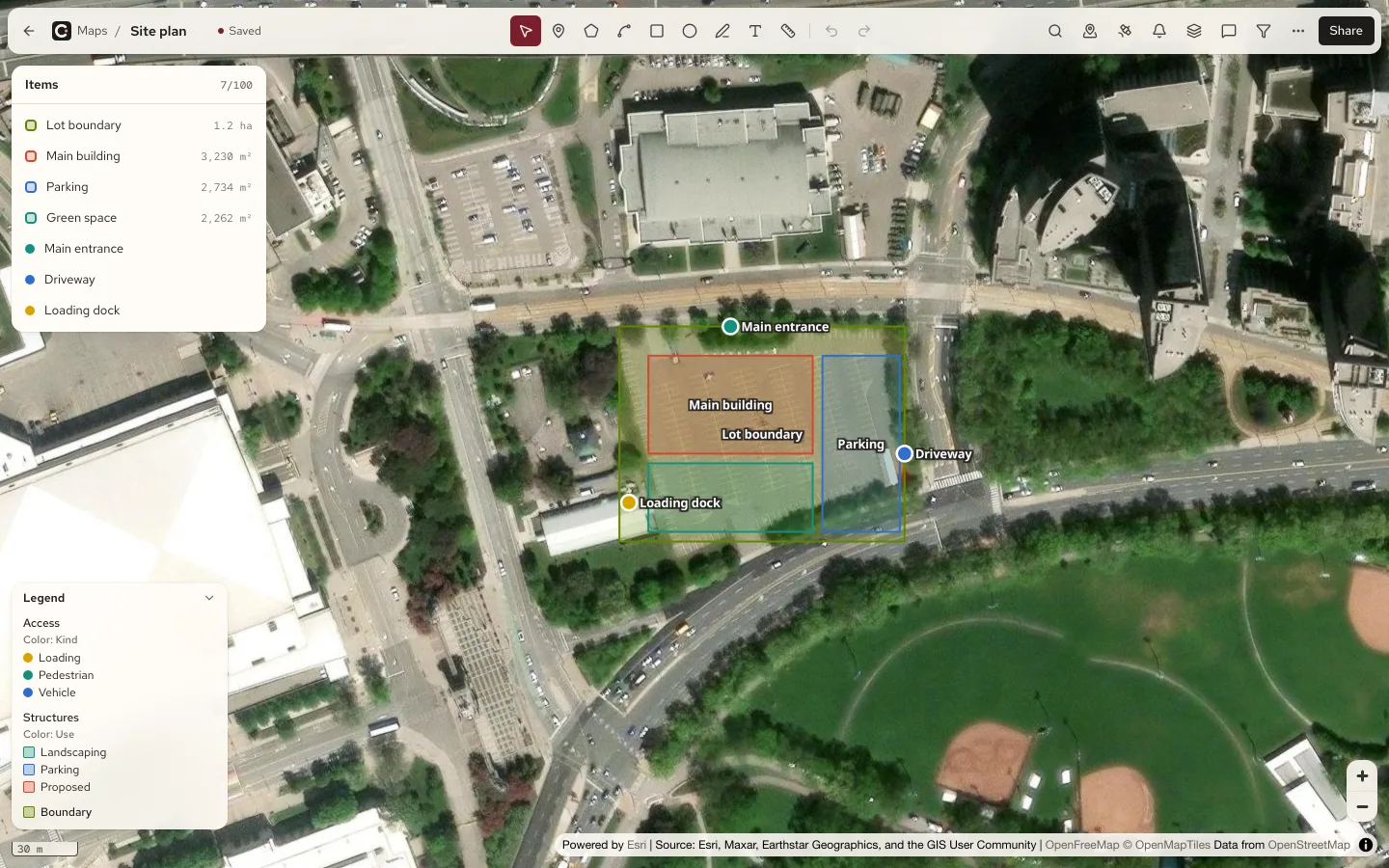
Real estate & development
Lot boundary, buildings, parking, green space and access points on one shared map.
See the template
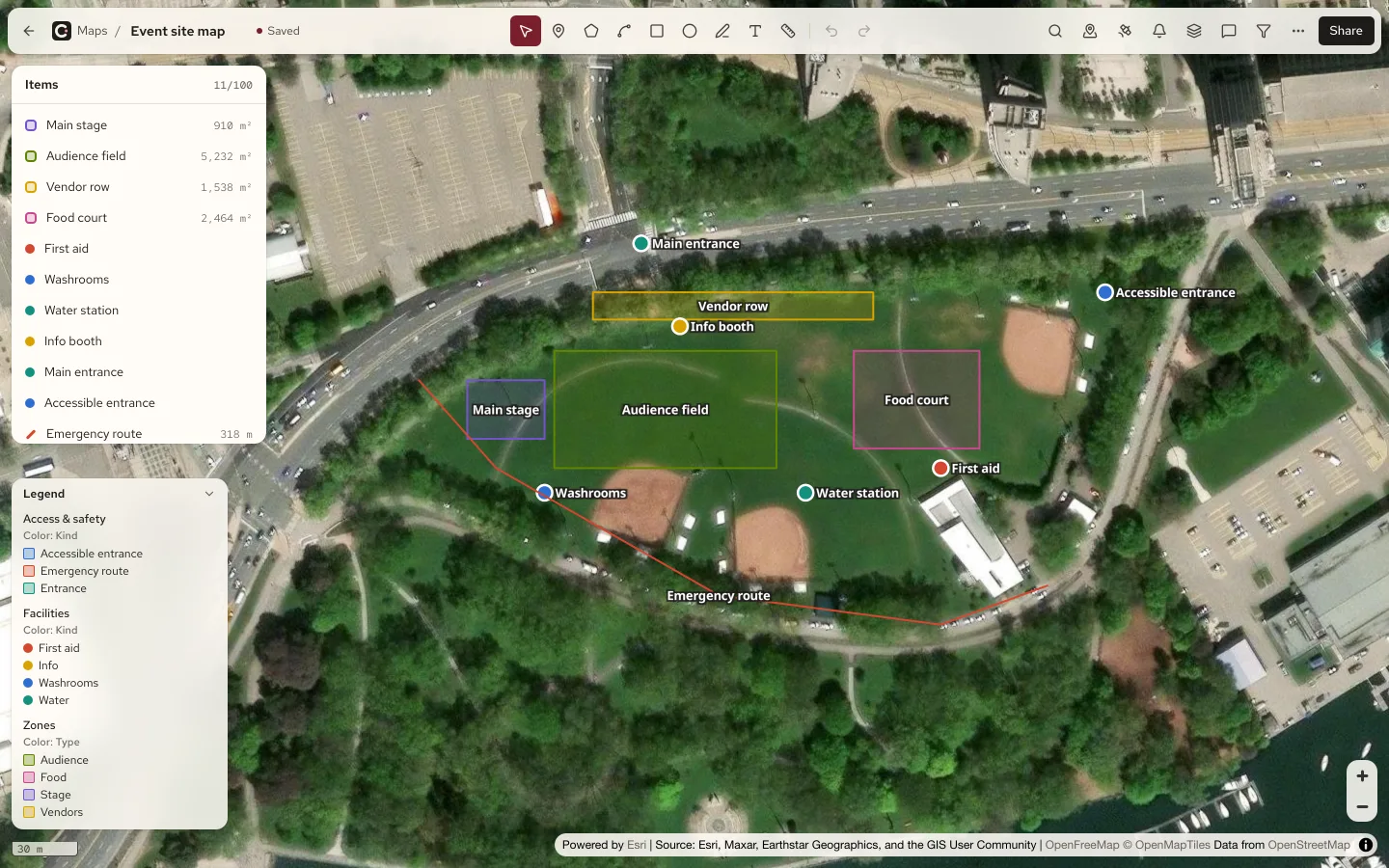
Events & festivals
Stage, vendors, food, first aid, washrooms, entrances and the emergency route.
See the template
Free plan, no card needed. Your team sees every change live.