Comment right on the map
Feedback in an email thread says “the corner by the gate” and leaves you guessing which corner. In Cartana a comment sits on the spot or the item it is about. Reply in the thread, @mention the person who needs to answer, and resolve it when it is settled.
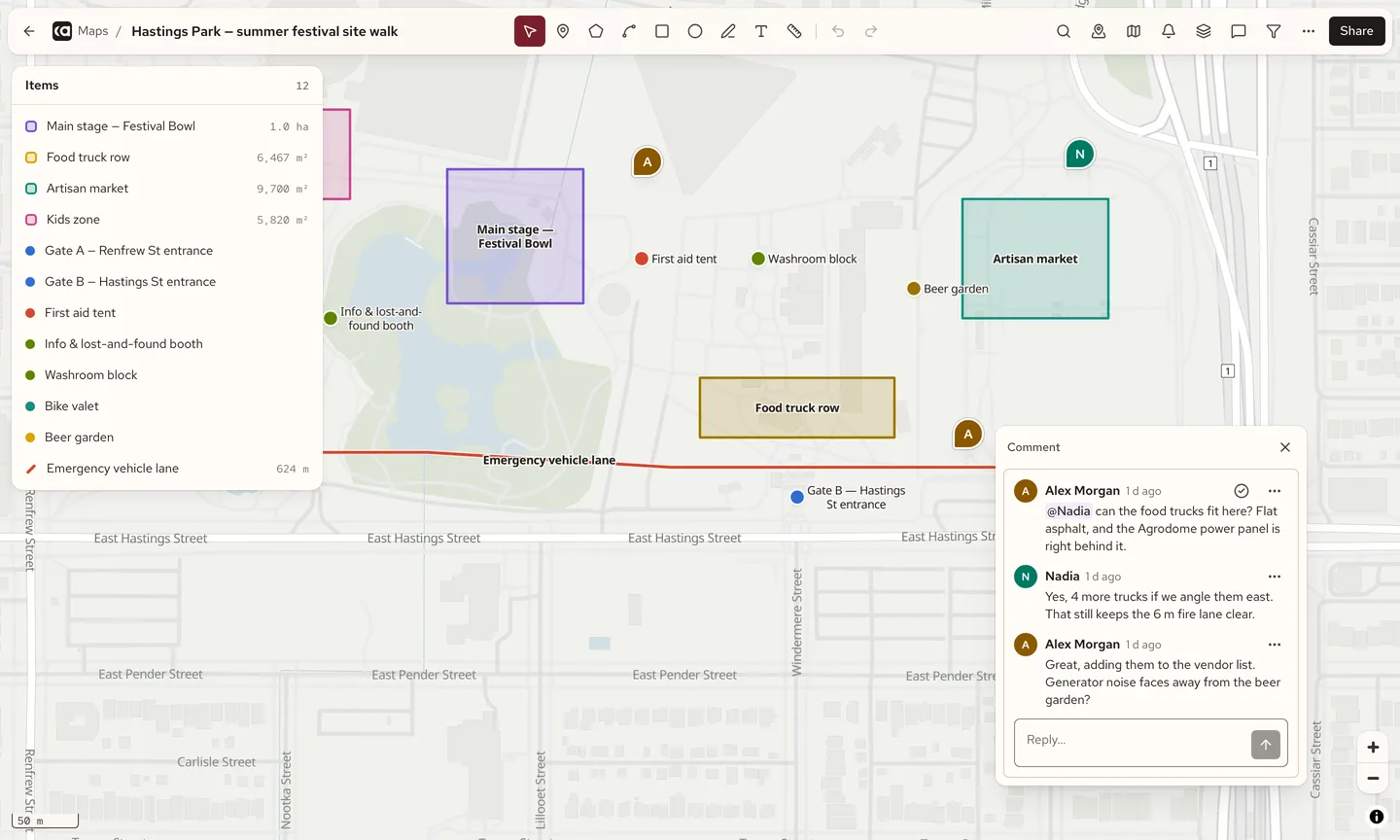
What people comment on
- A site plan under review: “Can a truck turn here?”
- An event layout: “Move the first aid tent closer to the stage”
- A plot or a stall: “Is this one still free?”
How it works in Cartana
- Press K and click the map, or comment on a selected item
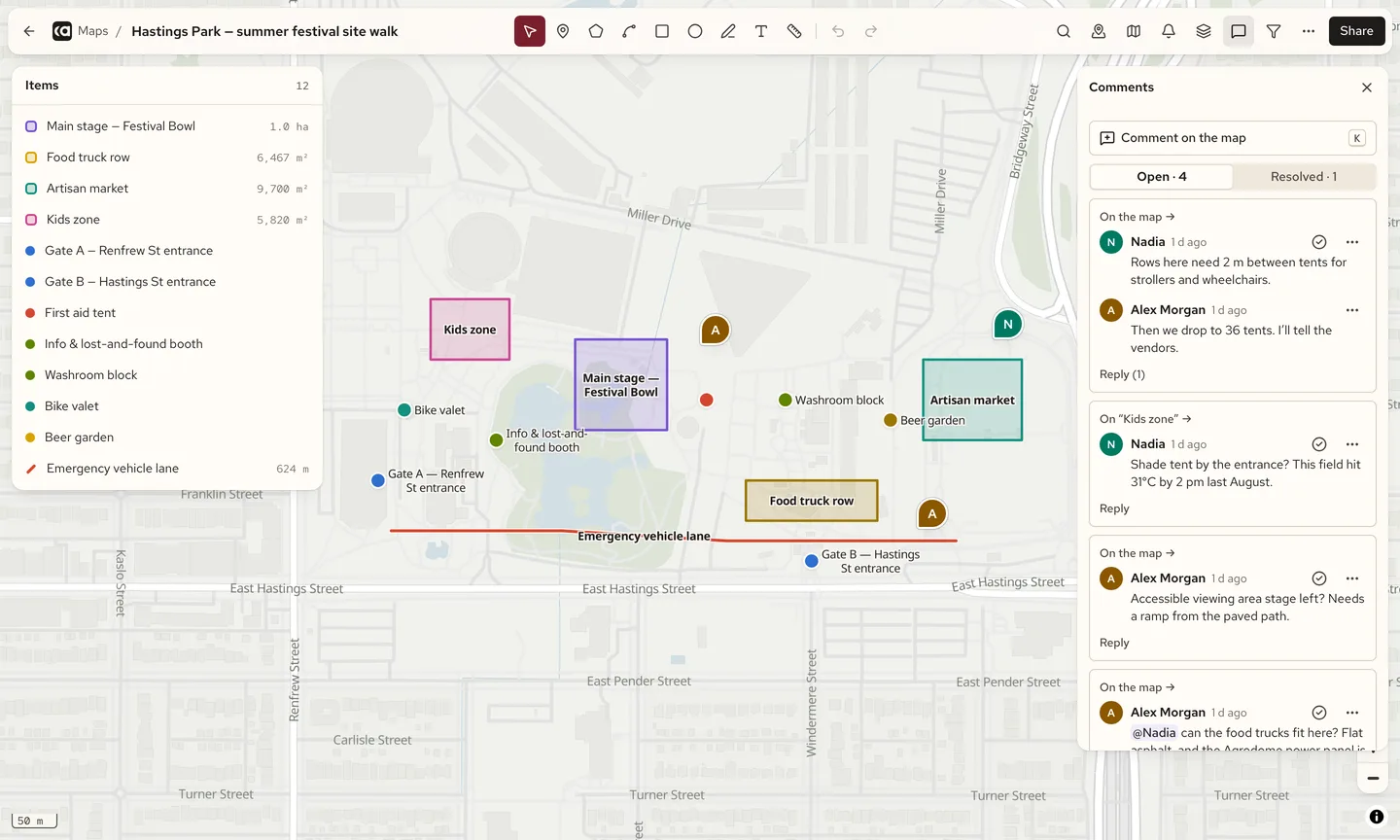
- Reply in threads; new comments show up live
- @mention people; they get a notification and an email
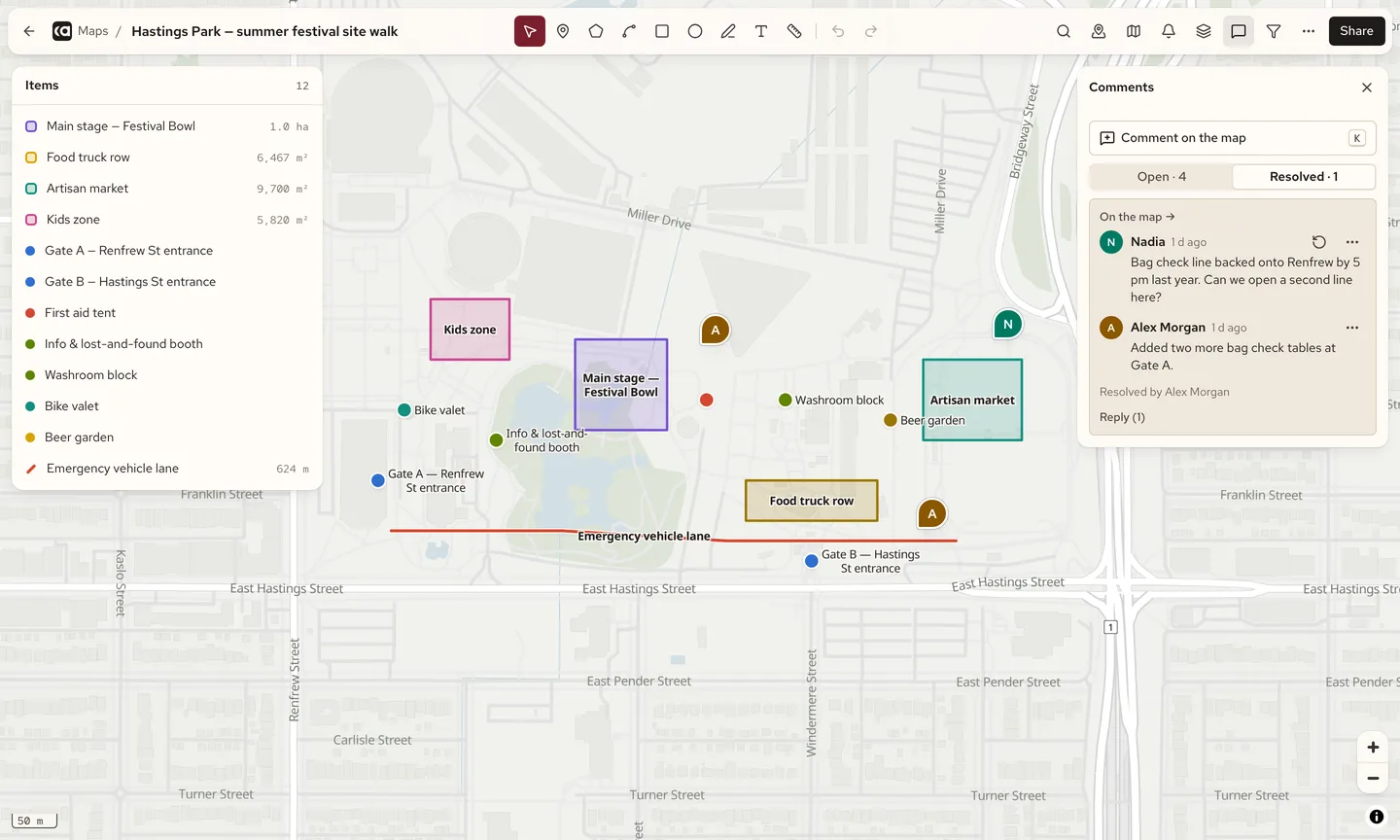
- Resolve a thread when it is done
Free template
Site plan: Lot boundary, buildings, parking, green space and access points on one shared map.
Start from the site plan templateFree template
Route options: Lay route alternatives side by side with the places they serve and the constraints.
Start from the route options templateFree template
Event site map: Stage, vendors, food, first aid, washrooms, entrances and the emergency route.
Start from the event site map templateCartana: Plan it on one map, together.
See CartanaQuestions
- Who can comment?
- Editors and commenters on the map. Commenters are free on every plan and can not change the map.
- Can I turn the emails off?
- Yes. Mention emails can be turned off from the bell in Cartana.
- Are comments on the Free plan?
- Yes. Comments and @mentions are on every plan.
Also see
- Make a heatmap from hundreds of pins · Cartana
- Draw your plan on satellite imagery · Cartana
- Edit the same map together, live · Cartana
- Turn a spreadsheet into a map · Cartana
- Turn a list of addresses into pins · Cartana
- See how far you can get in 15 minutes · Cartana